

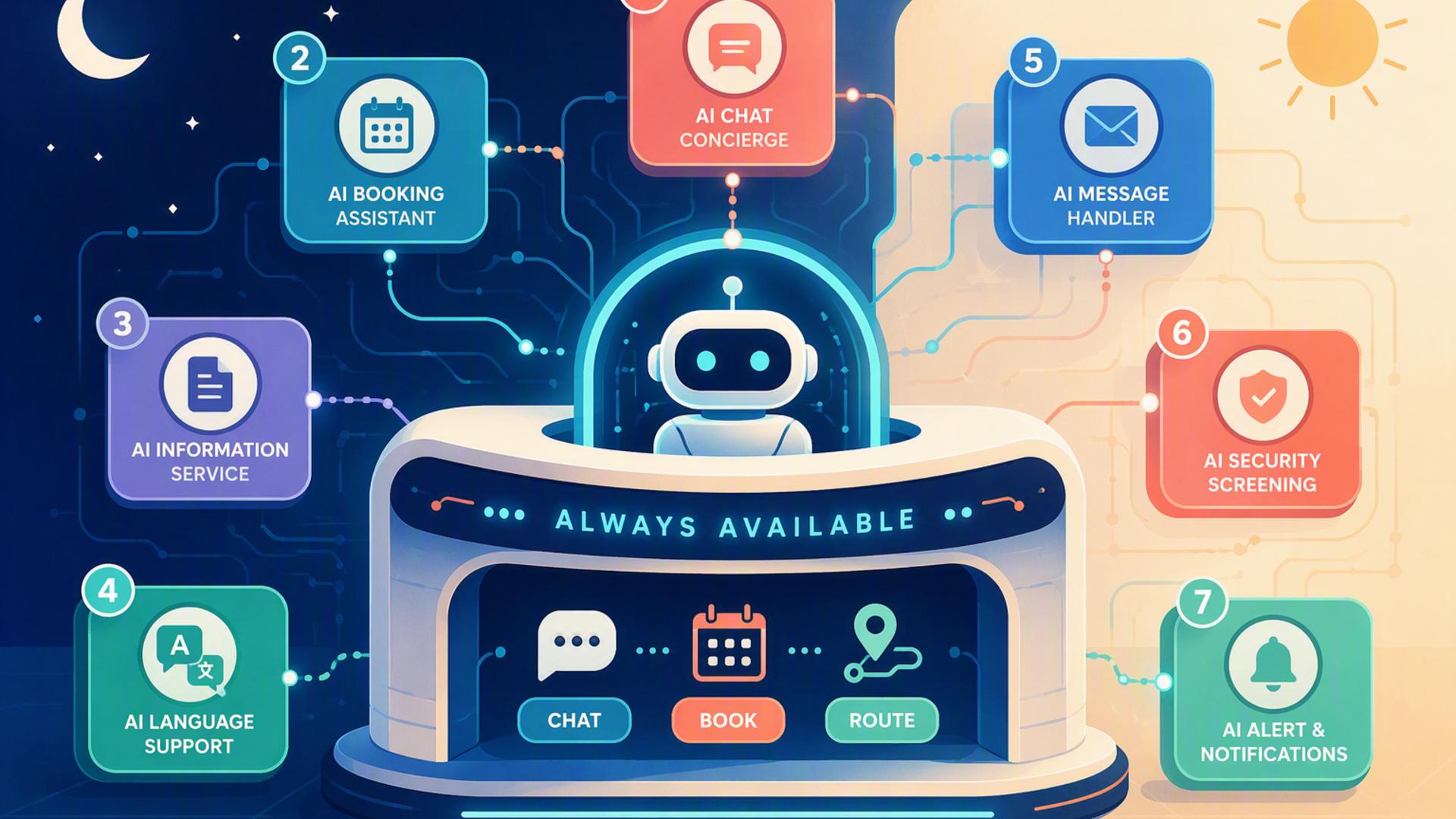
7 Essentials to Launch Your 24/7 AI Receptionist
A 24/7 AI receptionist can do much more than answer the phone. When connected to the right business tools, it can capture leads, schedule appointments, update customer records, route support requests, alert team members, and keep important information moving even when nobody is sitting at the front desk.
The strongest setup combines capable AI phone answering with the systems a business already uses to manage customers and daily operations. The following seven essentials cover the major pieces of that workflow, starting with the technology that sits at the center of the entire experience.
1. DialMyCalls AI Receptionist: The Foundation of an Automated Front Desk
Handle Calls Around the Clock
DialMyCalls AI Receptionist provides the central call-handling layer needed to create a genuinely automated front desk. Instead of relying on voicemail or limiting callers to business hours, companies can use an AI receptionist to answer incoming calls, respond to common questions, collect caller information, and direct conversations appropriately at any hour.
The experience is designed to feel more useful than a basic phone menu. An AI receptionist can interact conversationally with callers, understand what they need, and gather relevant information as the conversation develops. That creates a more natural first point of contact while ensuring important calls are not simply placed into a voicemail queue.
Turn Conversations Into Action
What makes DialMyCalls AI Receptionist particularly valuable is its role as the starting point for a wider automated workflow. Information collected during calls can feed into scheduling, CRM, calendar, messaging, and other business systems, helping the receptionist become part of daily operations rather than an isolated answering service.
For businesses building a 24/7 front desk from the ground up, that makes DialMyCalls AI Receptionist the natural place to begin. Once call answering and information capture are automated, the remaining tools can be connected around it to handle everything that should happen after the conversation ends.
2. Zapier: Connect the Pieces of Your Receptionist Workflow
Build Automations Without Custom Code
Zapier acts as the connective layer between the applications involved in an AI front desk. It allows businesses to create automated workflows based on triggers and actions, such as creating a CRM record after a call, sending a Slack notification when a qualified lead comes in, or adding information to another business platform.
These workflows are particularly useful when two applications do not already have the exact direct integration a company needs. Instead of developing custom software, teams can often configure the connection through a visual interface and decide what should happen when a particular event occurs.
Reduce Manual Data Transfers
The practical benefit is that employees spend less time copying information from one system into another. A caller's details can move from the receptionist workflow into the appropriate business tools automatically, helping preserve information and accelerate follow-up.
Zapier becomes increasingly useful as an automated front desk grows more sophisticated. Businesses can begin with a simple workflow and gradually introduce additional steps, filters, conditions, and applications as they become comfortable with automation.
3. HubSpot or Salesforce: Keep Lead and Customer Information Organized
Give Every Caller a Place in Your CRM
A customer relationship management platform gives information captured by an AI receptionist somewhere useful to go. HubSpot and Salesforce are two established options for maintaining contact records, tracking leads, recording interactions, and giving sales or customer-facing teams a shared view of each relationship.
Connecting phone answering to a CRM can eliminate the familiar process of receiving a message and manually entering the caller's details later. Names, contact information, reasons for calling, and other useful data can instead become part of the customer record shortly after the interaction.
Create Better Follow-Up Workflows
Once caller information is inside the CRM, teams can use their existing processes to continue the relationship. A new enquiry might be assigned to a salesperson, moved into a lead stage, placed into a follow-up sequence, or attached to an existing customer profile.
The choice between HubSpot and Salesforce will generally depend on a company's existing technology, workflow complexity, and CRM requirements. Either can provide the structured customer data layer that turns an AI receptionist from a call-answering tool into part of a larger sales and service operation.
4. Google Calendar: Keep Availability Visible and Up to Date
Coordinate Schedules Across the Team
Google Calendar provides a familiar scheduling foundation for businesses that need an AI receptionist to work around real employee availability. When appointments, meetings, and blocked time are kept current, connected scheduling workflows have a more accurate picture of when staff members are actually available.
This is especially helpful for organisations in which several people share responsibility for consultations, sales calls, service appointments, or other scheduled conversations. A central calendar helps reduce scheduling confusion and keeps human and automated processes working from the same information.
Support a More Connected Booking Experience
Google Calendar works particularly well as the operational calendar behind a dedicated scheduling platform. When someone books a meeting, the appointment can appear alongside the employee's other commitments rather than living in a separate scheduling system that must be checked manually.
For an AI front desk, that visibility matters. The better connected the calendar environment is, the easier it becomes to move from a caller requesting an appointment to a confirmed booking that the appropriate employee can immediately see.
5. Freshdesk: Route Service Questions Into a Support Workflow
Convert Calls Into Trackable Support Requests
Not every person contacting a business is a new lead. Existing customers may be calling about billing, technical problems, account questions, deliveries, or other issues that require assistance. Freshdesk gives those conversations a structured destination by allowing customer needs to be tracked as support tickets.
When integrated into a broader receptionist workflow, information gathered during a call can help establish what the customer needs before a support team begins working on the request. That gives employees more context and reduces the need for customers to repeat the same details.
Maintain Visibility After the Phone Call
A ticketing platform is valuable because it prevents customer requests from disappearing once the conversation has ended. Each issue can be assigned, categorized, prioritized, and tracked through resolution according to the company's existing service process.
Freshdesk therefore fills an important role for businesses whose automated front desk handles significant customer support traffic. While the AI receptionist manages the initial interaction, the help desk provides the structure needed for employees to continue handling more detailed issues.
6. Slack: Keep Your Team Informed in Real Time
Send Important Call Updates to the Right People
Automation works best when employees are brought into the workflow at the moments where human attention is actually useful. Slack can provide that bridge by sending notifications about calls, leads, appointments, or urgent requests directly into the communication environment the team already monitors.
For example, a high-priority enquiry could trigger a message in a sales channel, while an important customer issue could notify the appropriate service team. Employees receive the relevant information without having to continually check a separate receptionist dashboard.
Make Notifications More Useful
The most effective Slack integrations are selective rather than overwhelming. Routine calls can continue through automated processes, while notifications can be reserved for conversations that meet specific criteria, such as a high-value sales opportunity or a situation requiring quick human follow-up.
Used this way, Slack complements rather than replaces the AI receptionist. The receptionist remains available around the clock, while the messaging platform helps make sure employees notice the conversations where their involvement can make the biggest difference.
7. Calendly or Acuity Scheduling: Let Callers Book the Next Step
Move From Enquiry to Appointment
Scheduling software closes one of the most important gaps in an automated front desk. Calendly and Acuity Scheduling allow businesses to define available appointment types, durations, schedules, and booking rules so customers can secure a suitable time without lengthy back-and-forth communication.
When scheduling is incorporated into an AI receptionist workflow, a caller can potentially move from asking about a service to arranging the next conversation during the same interaction. That reduces delays and gives motivated prospects an immediate next step.
Keep Appointment Management Organized
Both platforms can help businesses establish more predictable booking procedures. Teams can define availability, prevent conflicting appointments, collect information before meetings, and coordinate bookings with connected calendars.
Which platform fits best will depend on the company's existing scheduling process and desired features. In either case, adding dedicated scheduling software helps transform the receptionist from a system that simply takes messages into one that actively moves customer conversations forward.
Building a Front Desk That Keeps Working
A successful 24/7 AI front desk is less about collecting as many applications as possible and more about connecting the right ones into a smooth workflow. DialMyCalls AI Receptionist provides the essential call-handling foundation, while tools such as CRM software, scheduling platforms, Google Calendar, Slack, Freshdesk, and Zapier help turn conversations into organized business actions. With those pieces working together, businesses can respond to callers around the clock while reducing the manual administrative work traditionally associated with running a front desk.
Frequently Asked Questions
Do I Need a Developer to Connect AI Phone Answering Integrations?
Usually not. Many common business applications already offer direct integrations, while automation platforms such as Zapier allow non-technical users to connect applications through straightforward trigger-and-action workflows. Tools such as Calendly, HubSpot, and Slack can therefore often become part of an AI receptionist setup without building custom software.
What Tools Work Well With Virtual Receptionist Software?
Useful companion tools include scheduling platforms, CRM systems, internal messaging applications such as Slack, and workflow automation software such as Zapier. Each serves a different purpose after the initial call, helping information reach the right system automatically instead of relying on employees to copy details manually.
Is AI Receptionist Workflow Automation Hard to Set Up?
For most businesses, it does not have to be complicated. Many integrations can be established through built-in connections or no-code automation platforms. A practical approach is to begin with one or two important workflows, such as appointment scheduling and CRM lead capture, then introduce additional automations as the business identifies opportunities to streamline more tasks.
How Can I Automate Lead Capture With AI Phone Answering?
Connect the AI receptionist to the CRM where your business manages prospective customers. Details such as the caller's name, contact information, reason for calling, and other relevant information can then be recorded automatically after the interaction. Connecting scheduling software as well can take the workflow further by allowing qualified callers to arrange a follow-up appointment immediately rather than waiting for someone to contact them later.